00:00:00

Save up to 72% OFF

Log in
Hailuo 03Text to VideoImage to Video
Hailuo 03 AI Video Generator

Create AI videos from text or an image with Hailuo 03. Review the available model, output settings, and credit estimate before every generation.

At least 3 characters
Action Clip

Gravity-Line Coast Shot

Prompt a low follow camera, one downhill carve, wind-reactive clothing, and a stable ocean horizon for a readable vertical action beat.

Use this prompt
Product Macro

Cold Texture Product Loop

Keep the package readable while condensation, a controlled splash, and moving highlights create a short seamless product loop.

Use this prompt
Nature Clip

Layered Forest Motion

Separate foreground leaves, falling water, drifting mist, and a slow camera rise so every layer moves at a believable speed.

Use this prompt
Brand Reveal

Packaging-to-Feed Transition

Begin from a branded still and specify the opening action, product hold, lighting sweep, and final social-ready composition.

Use this prompt
Lifestyle Ad

One-Take Golden-Hour Toast

Direct a restrained camera arc, natural glass movement, wind, and changing sunset reflections in one continuous lifestyle shot.

Use this prompt

Independent Hailuo 03 AI video platform

Turn one idea into a directed AI video

Start with a prompt or reference image, choose the available settings, and test the shot before increasing duration or quality.

Hailuo 03 guide

What is Hailuo 03 and how can you use it?

Hailuo 03, Hailuo03, Hailuo 3, and Hailuo 3.0 are search names used for this AI video topic. Generate here, or open the dedicated release guide for verified source links.

One generator for Hailuo 03 name variations

Searchers may type Hailuo 03, Hailuo03, Hailuo3, Hailuo 3.0, or MiniMax Hailuo 03. This site maps those names to useful workflows without publishing a duplicate page for every spelling.

Official release information and independent access

Repository, weights, license, and model-card claims will only be marked confirmed after they appear in an official MiniMax or Hailuo source. Hailuo03.art is an independent creation service.

How to use Hailuo 03

Start with the online text-to-video or image-to-video workflow, then review the actual model label, controls, and credit estimate shown before each generation.

  1. 1

    Choose text or image to video

    Begin from a written scene when composition is open, or upload an image when identity, layout, or product details should stay recognizable.

  2. 2

    Direct the motion

    Describe the subject, action, shot order, camera movement, lighting, timing, and sound. Explain what each reference should control.

  3. 3

    Review settings and generate

    Confirm the selected model, duration, ratio, resolution, audio option, and credit estimate before submitting the job.

Hailuo 03 workflows

Create with the Hailuo 03 AI video generator

Choose text-to-video or image-to-video, direct the motion, and review the settings that are actually available before generating.

Text to video

Write one clear Hailuo 03 text-to-video shot with a subject, visible action, camera path, lighting, and pace.

Image to video

Use Hailuo 03 image to video when a face, product, illustration, or composition should anchor the generated motion.

Prompt and reference control

Separate subject action, camera movement, environmental behavior, and fixed constraints so the prompt has clear priorities.

Settings and credit estimate

Use the model label and controls displayed in the generator—not an assumed specification—to review ratio, duration, resolution, and credits.

Examples and prompts

Hailuo 03 prompt ideas for practical video shots

These reusable ideas focus on subject motion, camera direction, lighting, and pacing. They are workflow examples, not claims about unreleased model specifications.

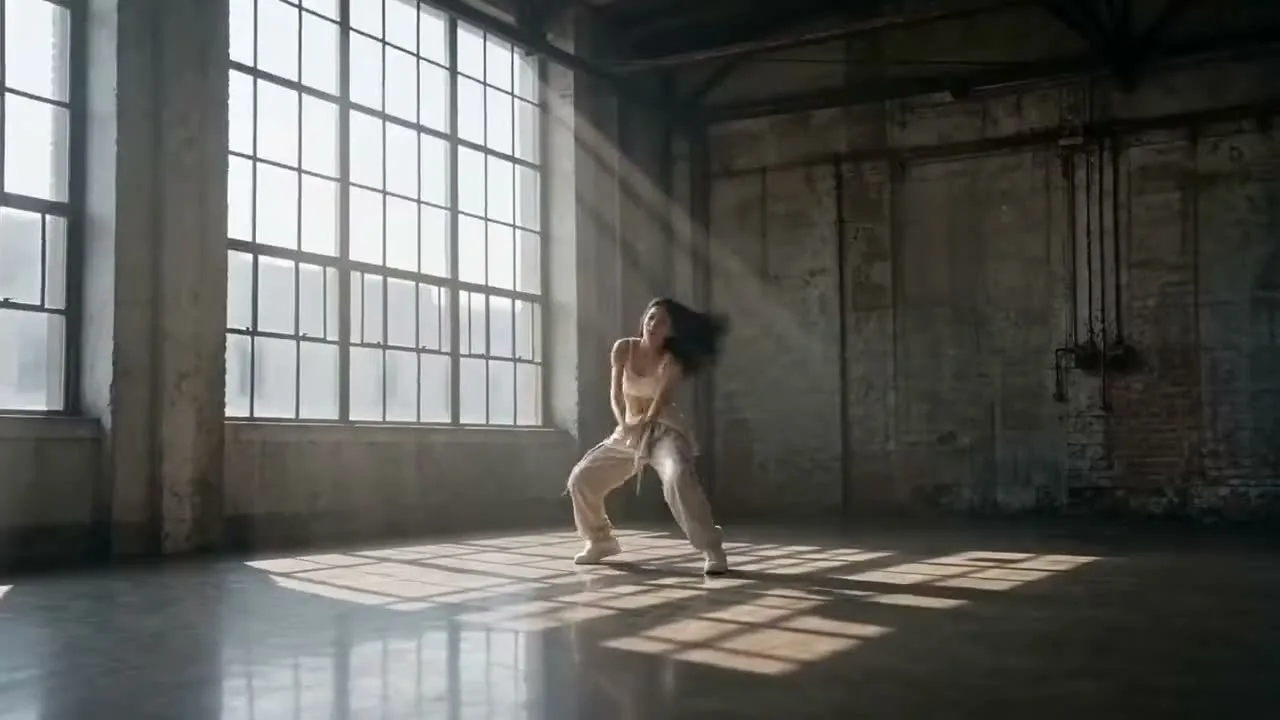
Freeze, Signal, Release
Short Film15s
720p

Freeze, Signal, Release

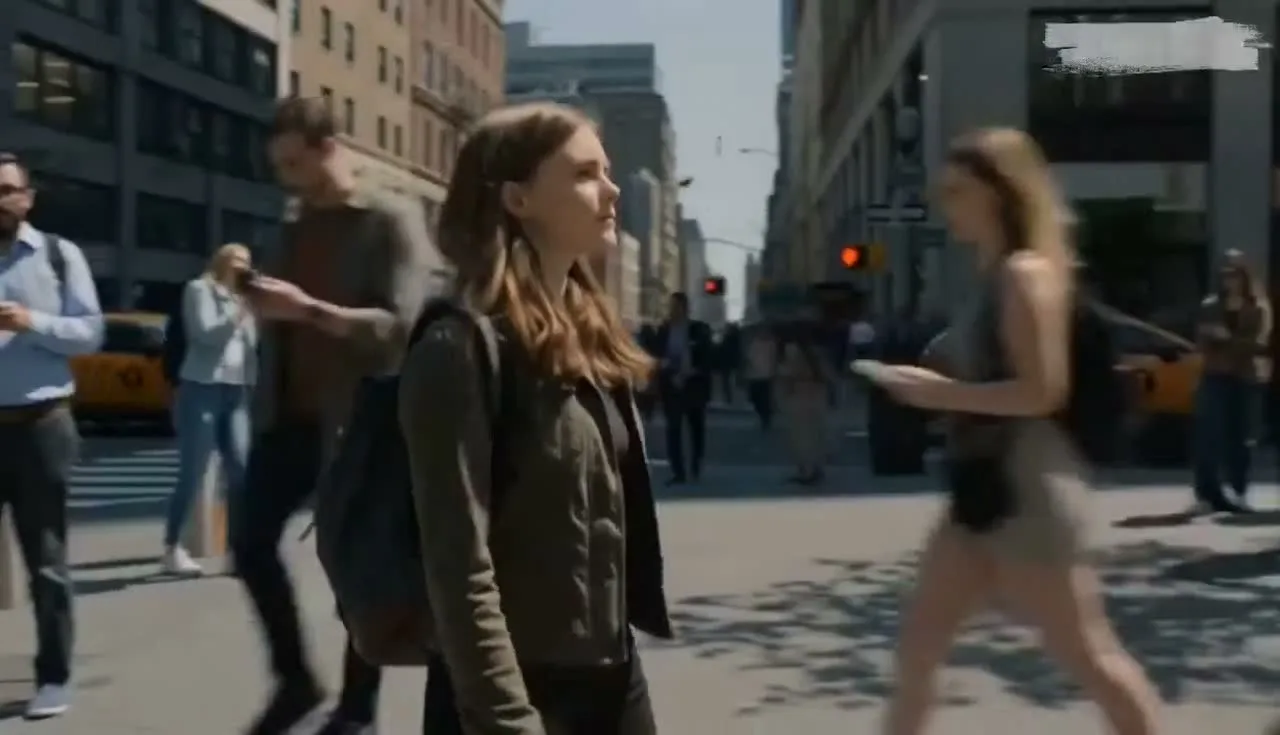
Structure a text-to-video prompt as three visible beats: celebration in motion, a sudden suspended moment, then one signal that releases the scene.

Reference-Led Product Reveal
Launch Teaser12s
1080p

Reference-Led Product Reveal

Anchor the product with a source image, then assign separate instructions to the camera push, moving highlights, surface reflections, and end frame.

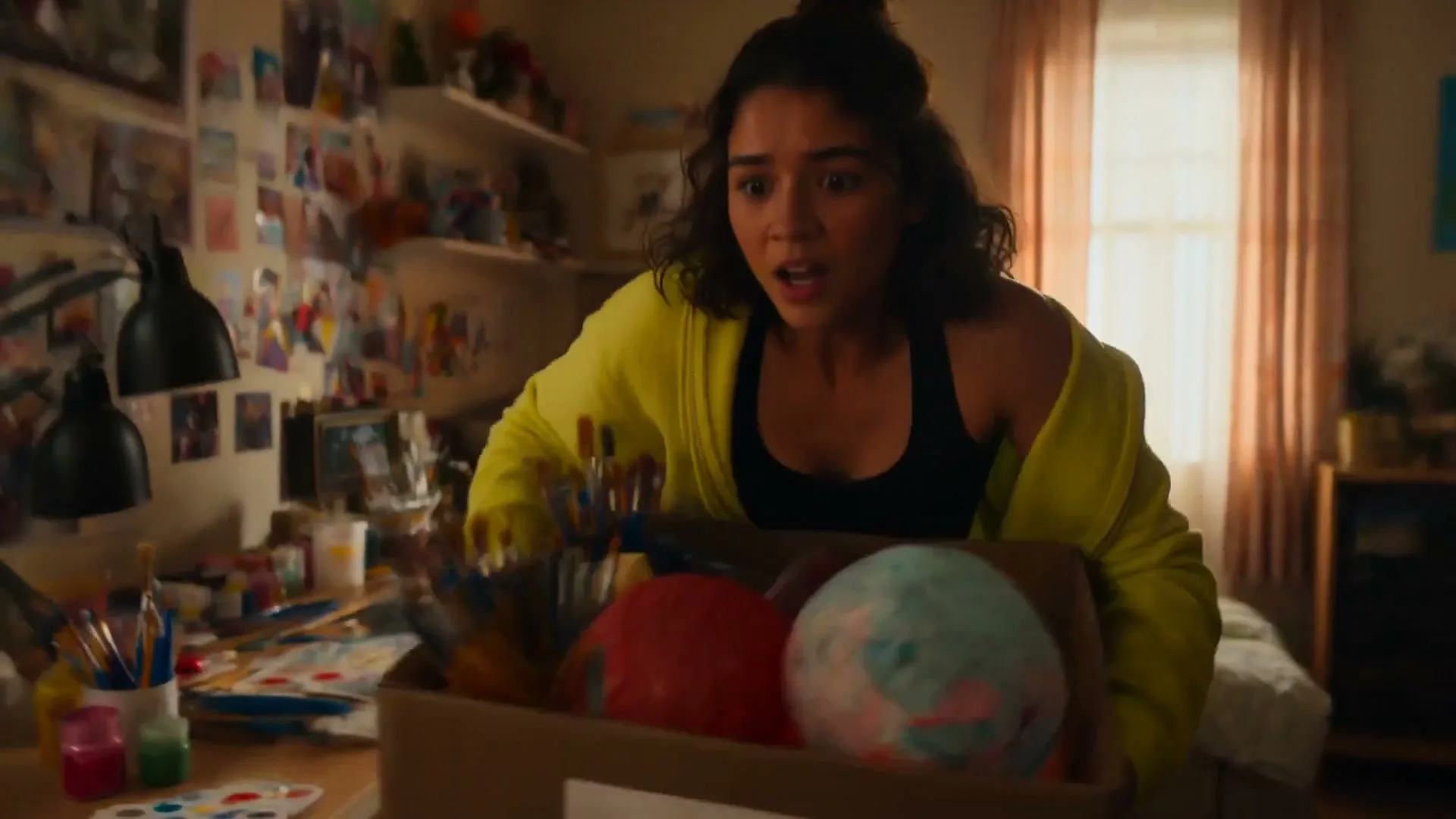
Vertical Chase Beat
Action Comedy15s
1080p

Vertical Chase Beat

Design one readable pursuit for a vertical frame, using foreground passes and a short camera move instead of stacking multiple action scenes.

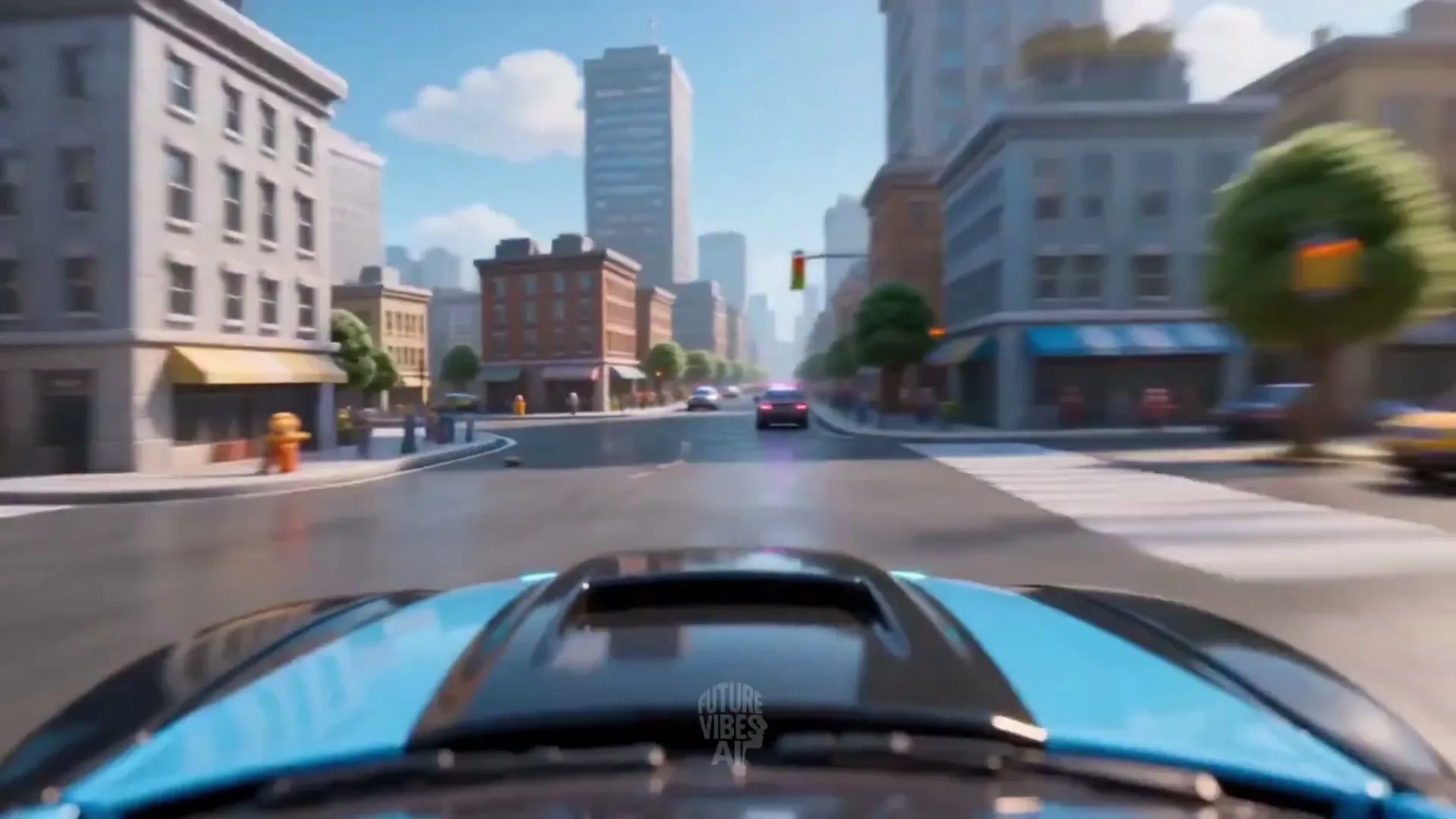
Reverse-Time City Transition
Cinematic15s
1440p

Reverse-Time City Transition

Define which traffic, people, particles, and camera elements stop or reverse so the transition has a clear visual hierarchy.

Scale Shift Above Water
Surreal10s
720p

Scale Shift Above Water

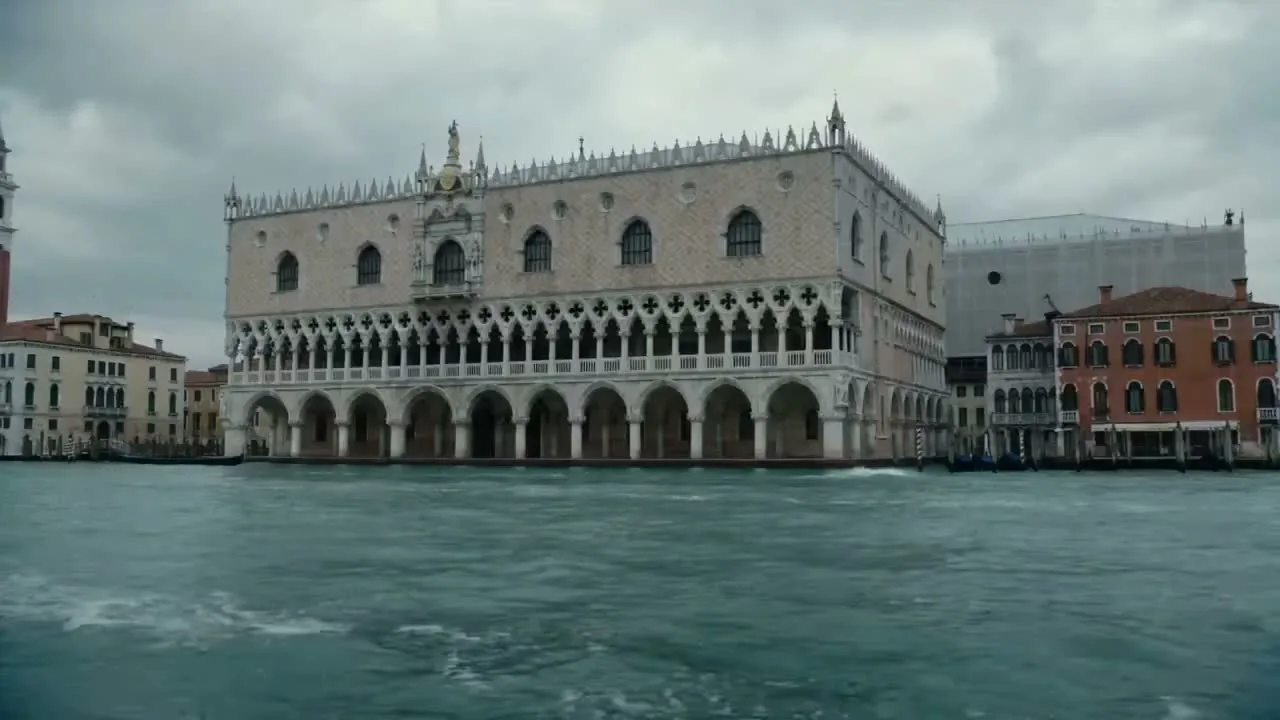
Use architecture and water as scale references while one surreal subject changes size during a controlled aerial camera move.

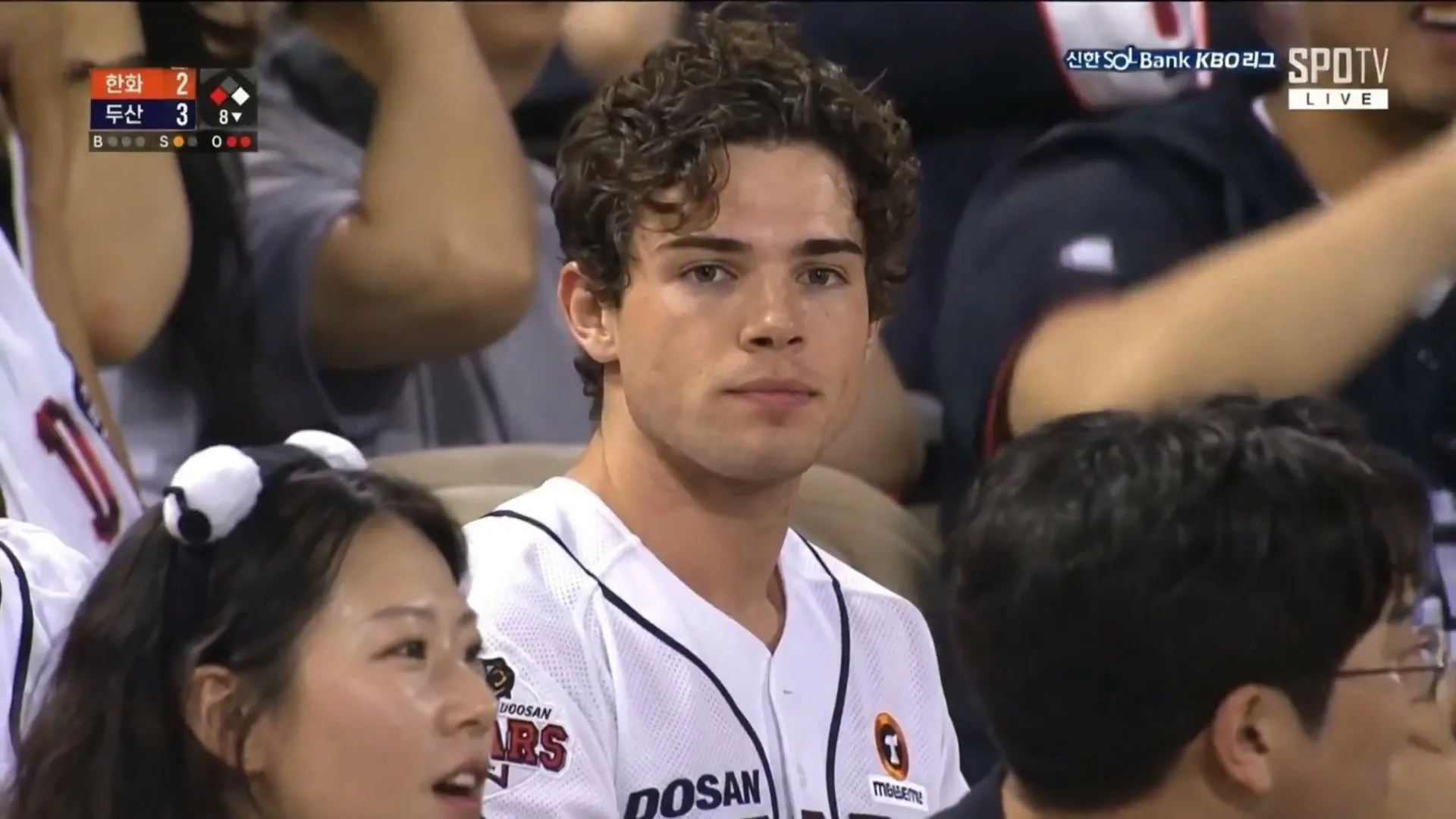
Three-Beat Storm Dialogue
Story Clip15s
1440p

Three-Beat Storm Dialogue

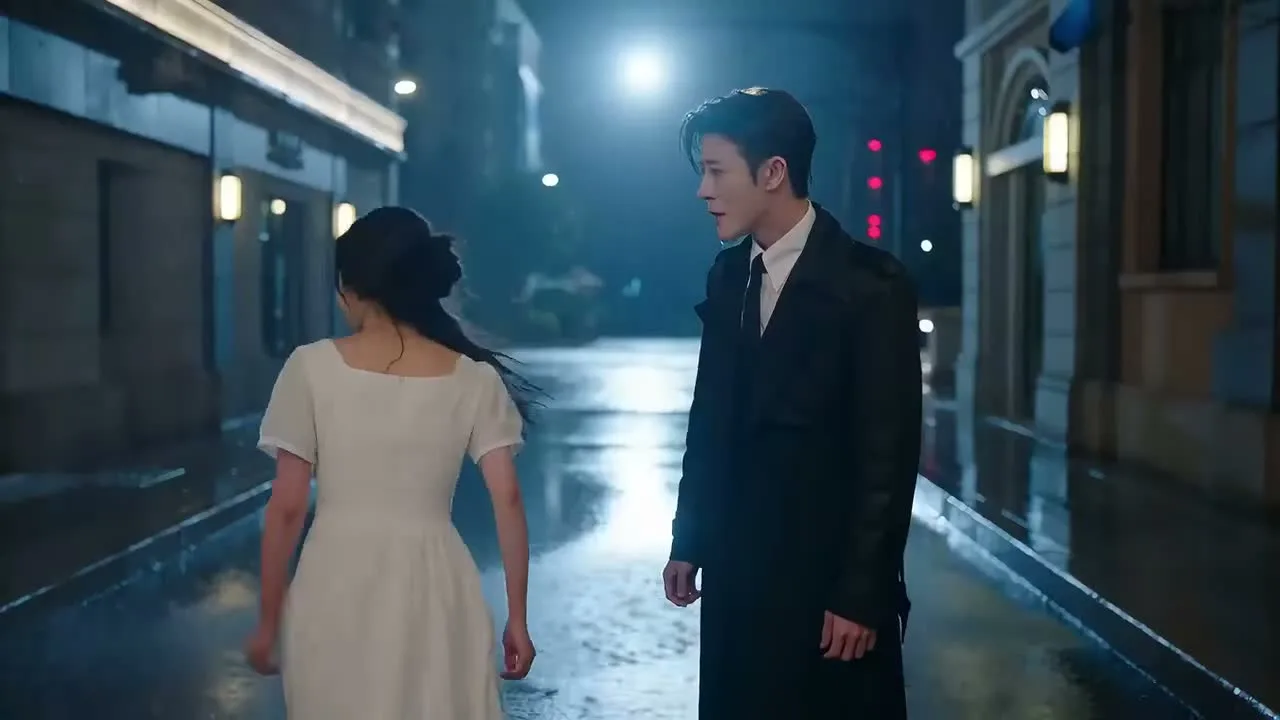
Plan an establishing frame, an emotional close-up, and one reaction shot, with rain direction and lighting continuity written into the prompt.

FAQs

Hailuo 03 Online Generator FAQs

Practical answers about Hailuo03 text-to-video, image-to-video, prompts, starter credits, pricing, generation time, and independent access.

What can I create with Hailuo 03 online?

Use the online generator for short AI video concepts, social clips, product motion, ads, and story shots. Start from text when the scene is open, or from an image when the subject and composition should guide the motion.

How do I use Hailuo 03 online?

Choose text-to-video or image-to-video, add a prompt and any supported source image, then review the actual model label, output settings, and credit estimate before generating.

Should I use text to video or image to video?

Choose text to video when you want the model to compose the scene from a written idea. Choose image to video when a portrait, product, character, or existing composition should anchor the result.

How should I write a Hailuo 03 video prompt?

Describe one filmable scene with a clear subject, action, environment, camera movement, lighting, and pace. Add only the constraints that matter, then refine one detail at a time after reviewing the first result.

Can I try Hailuo 03 for free?

New accounts can use any starter credits currently offered for supported workflows. Starter access is limited, and the displayed cost depends on the selected model and settings.

Is Hailuo03.art the official Hailuo website?

No. Hailuo03.art is an independent AI video creation and information service and is not operated by or affiliated with MiniMax or Hailuo AI.

How much does Hailuo 03 generation cost here?

The displayed credit estimate depends on the actual model, duration, quality, and generation mode selected. Review that estimate before submitting; platform credits are separate from any official API or local-compute cost.

How long does an AI video take to generate?

Generation time changes with the selected model, settings, queue, and provider load. Keep the task page open or return to creation history to check progress instead of submitting the same job again.

Create your first video with Hailuo 03.

Start from a prompt or image, review the available model and credit estimate, then generate in one focused workspace.